Updates for Feb 2026: Custom timeframes & Replay shortcuts
TradebreathMarch 8, 2026· 1 min
What's new in Tradebreath: Feb 2026
Custom timeframes and smoother replay shortcuts—more freedom and less friction when you backtest.
1. Custom timeframes
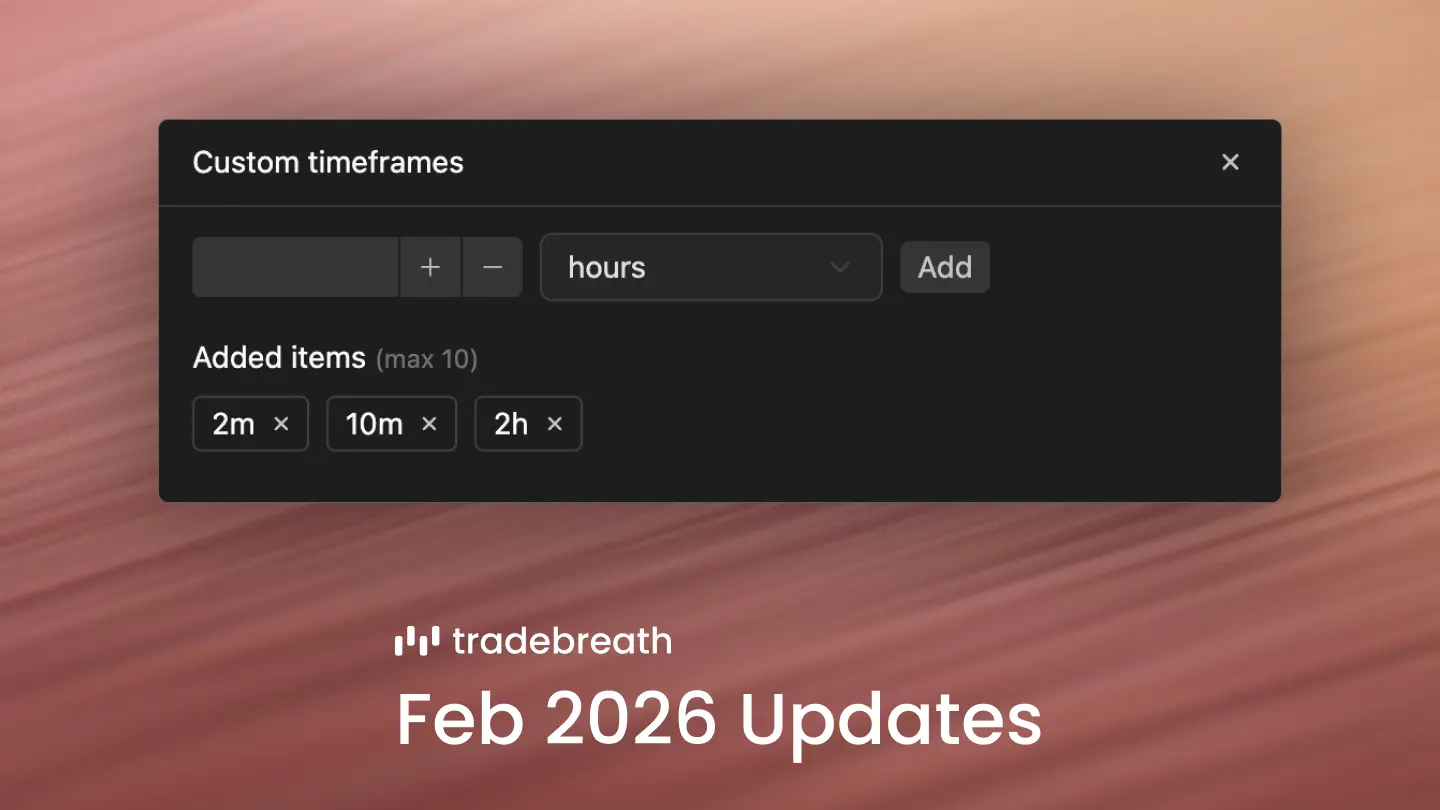
You can now create your own timeframes instead of being stuck with presets.
In the timeframe bar, click "Custom" to open a dialog where you can add whatever interval you want. Type in something like 3 minutes or 2 hours, and it shows up in your options right away for use in simulations.
2. Replay shortcuts
Replay mode now has keyboard and mouse shortcuts to make navigation easier.
Press the spacebar to play or pause. Press the right arrow key to jump to the next bar. To fast-forward, just hold the right arrow key, or click and hold the forward button.